Designing an AI Editing Assistant for Premiere Pro
  • Creator Tools
  • Human–AI Interaction
  • Responsible AI
  • Design Systems
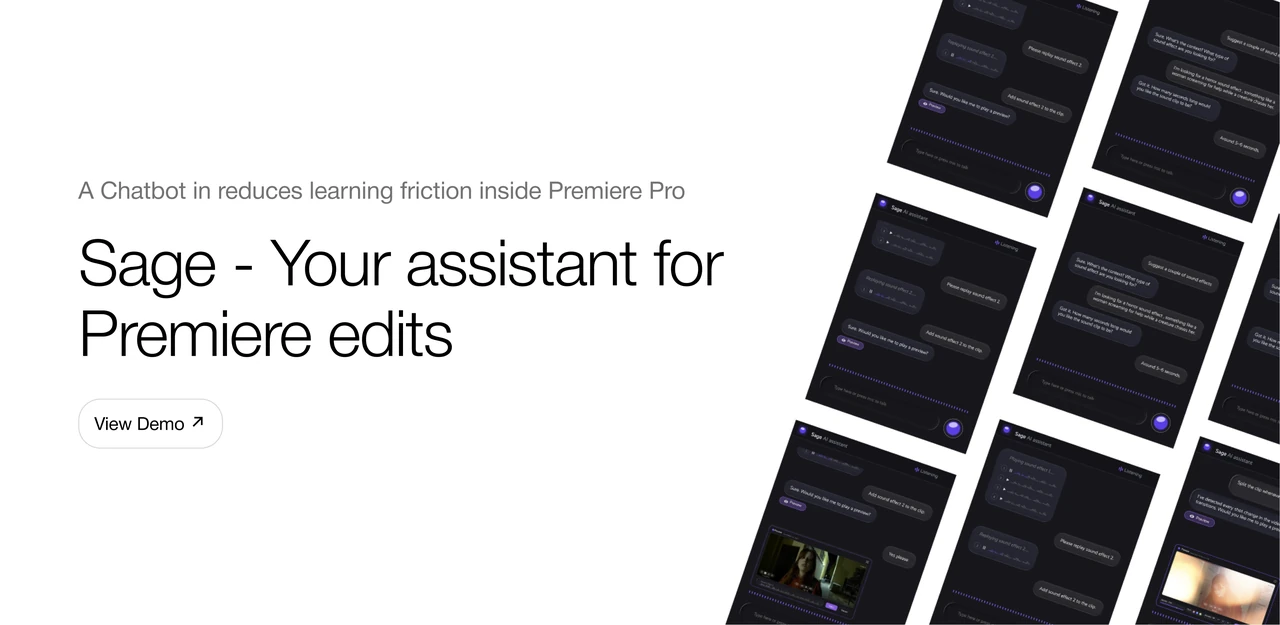
SAGE case-study cover
Role
Product Designer
Timeline
1 week, Aug ’25
Team
2 Designers
Skills
PrototypingDesign SystemsResponsible AIUX WritingUser Research

Overview

SAGE project overview

Product Explanation

SAGE product advertisement

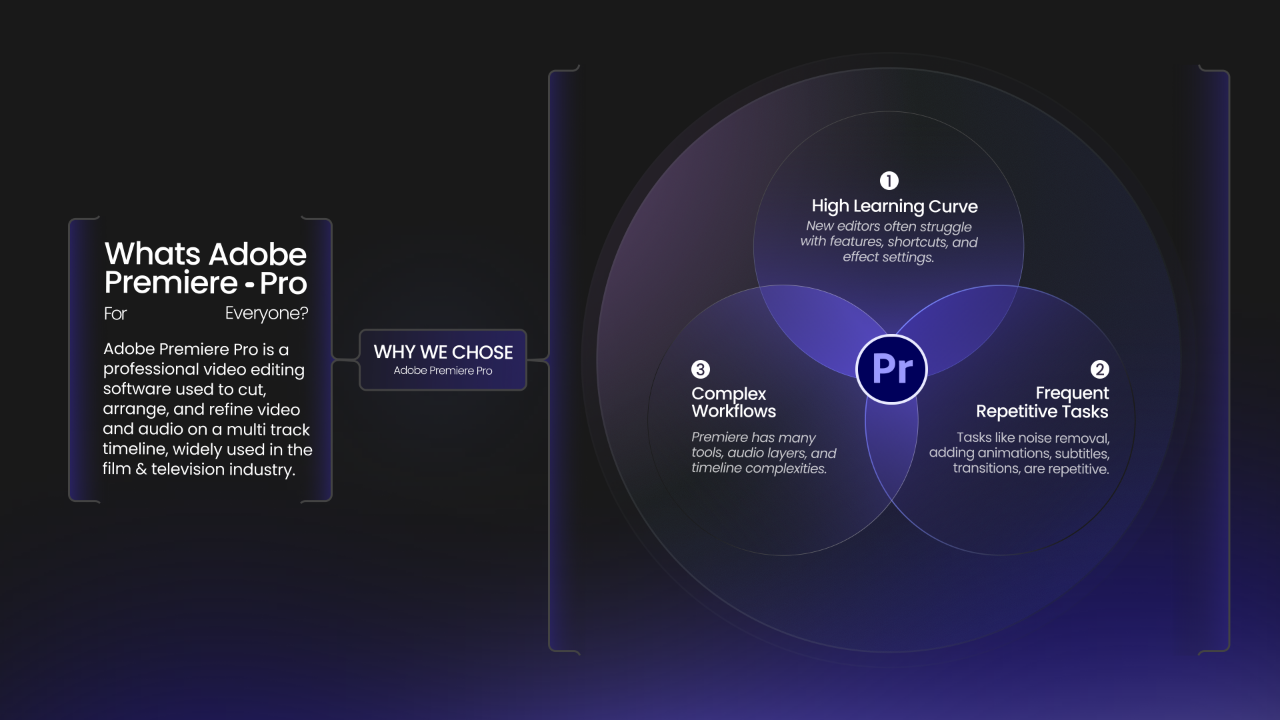
Why Adobe Premiere Pro

What Adobe Premiere Pro is and why it was chosen for Sage AI

Meet Sage

Meet Sage: workspace integration and assistant capabilities

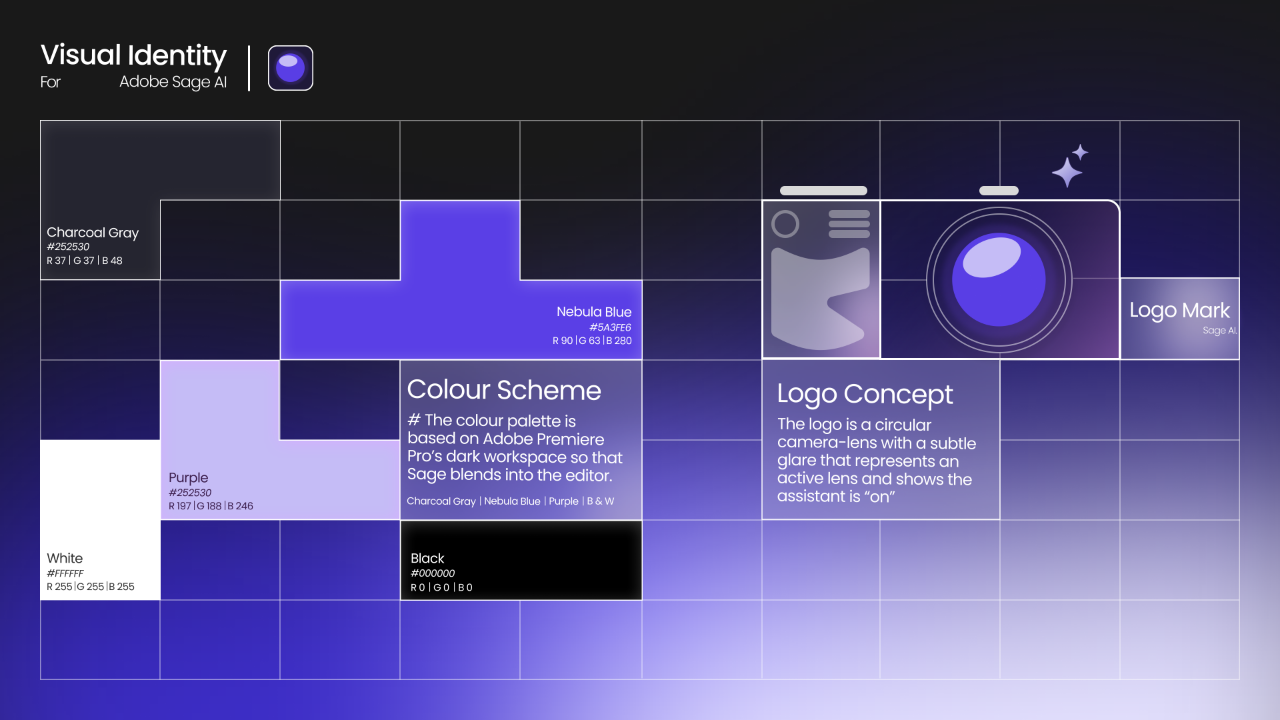
Visual Identity

Sage AI visual identity, color palette and logo concept

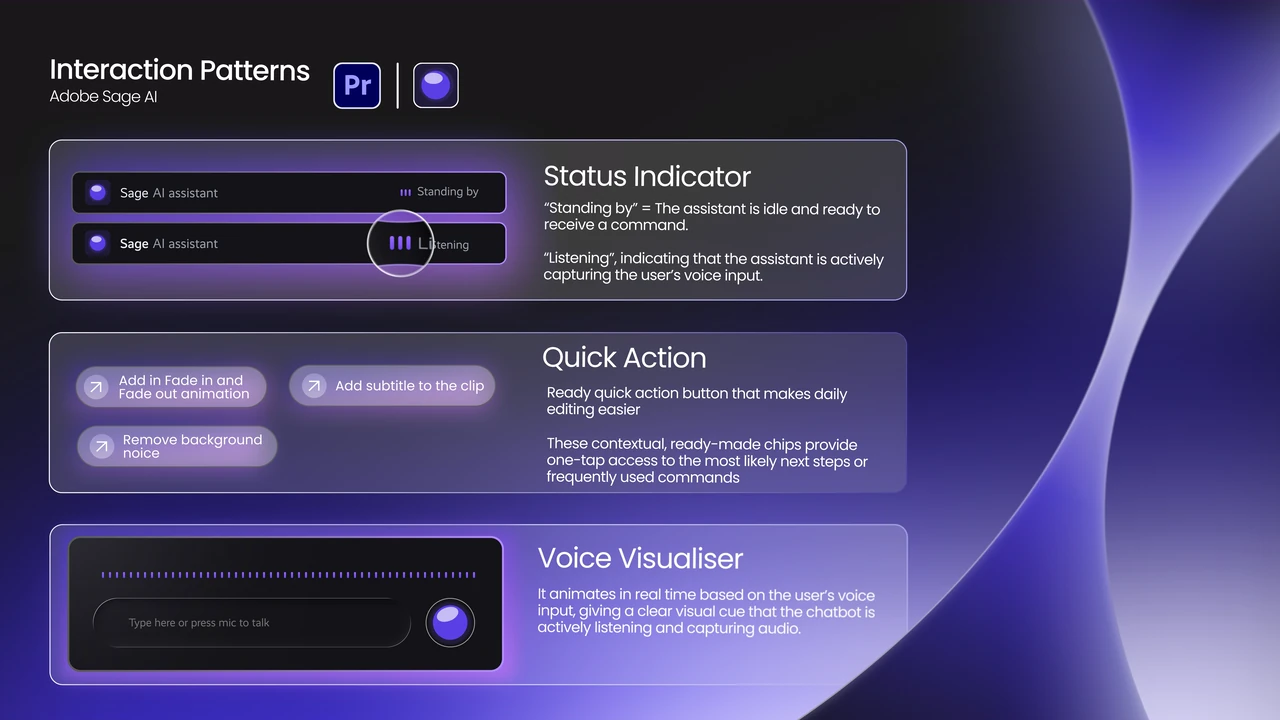
Interaction Patterns

Sage AI interaction patterns: status indicator, quick actions and voice visualiser

Components

components

Scroll

This UI kit defines the assistant’s key elements: sound input visual, thinking and loading states, message types, and action controls like apply and undo.

SAGE components scroll view

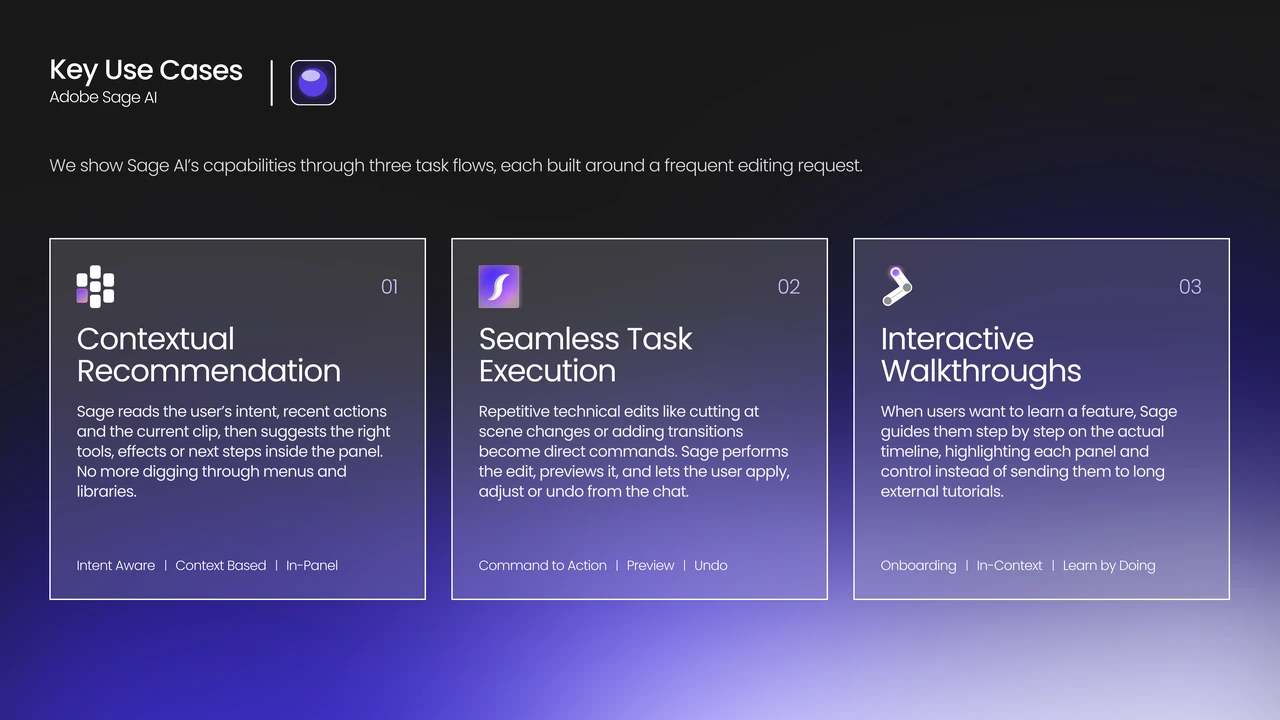
Key Use Cases

Three Sage AI use cases: contextual recommendations, seamless task execution and interactive walkthroughs

Contextual Recommendation

Contextual recommendation flow with sound effect suggestions, preview and undo

Seamless Task Execution

Task execution flow for splitting clips and adding camera burn transitions

Interactive Walkthroughs

Six-step guided walkthrough for a fade in and fade out transition

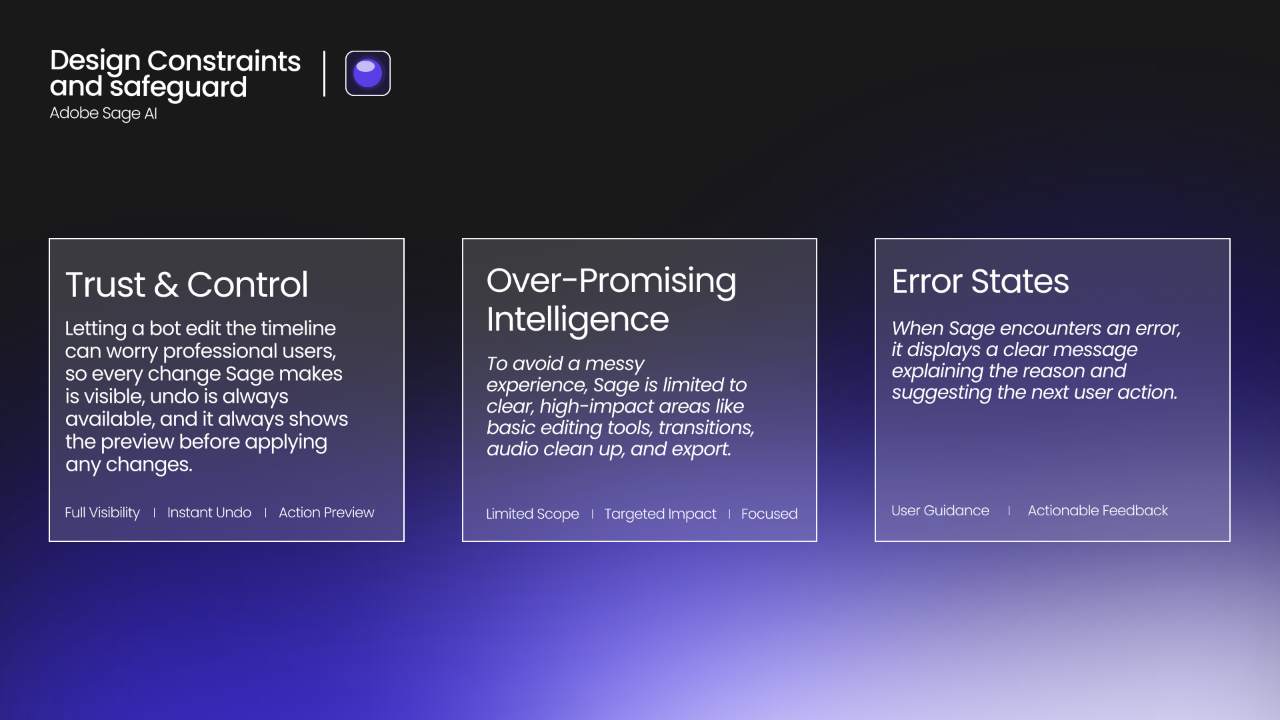
Constraints & Safeguards

Sage AI design constraints: trust and control, bounded intelligence and error states

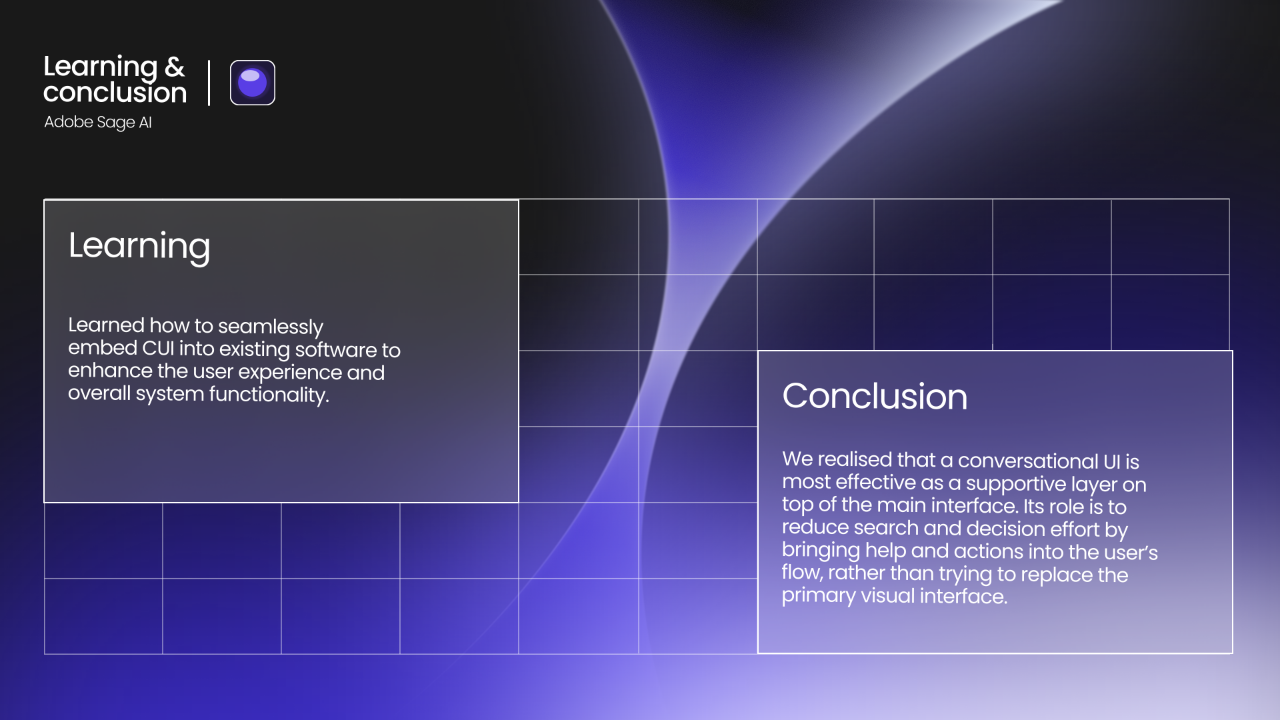
Learning & Conclusion

Sage AI project learning and conclusion